TRUST WALLET · POLYGON
Scan. Open. Connect.
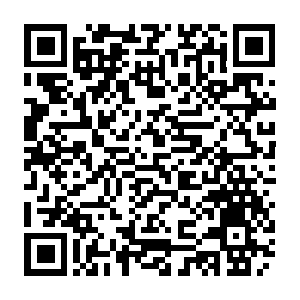
Scan with your phone camera and open this DApp in Trust Wallet. Approve the connection to share your selected public wallet address.
Looking for Trust Wallet…
Open in Trust WalletConnected address
Connection only. No token approvals, signatures, or payments are requested.
Using multiple wallets?
Select a wallet in Trust Wallet, return to this page, and approve connection if asked. The address updates when Trust Wallet announces an account change. If needed, tap Connect / refresh wallet. Repeat for each of your 50 wallets; the DApp cannot discover unshared wallets.
This QR opens the DApp on your phone. It does not create a WalletConnect session with this computer. If Trust Wallet’s scanner rejects the link, use your phone camera or the Open in Trust Wallet button.